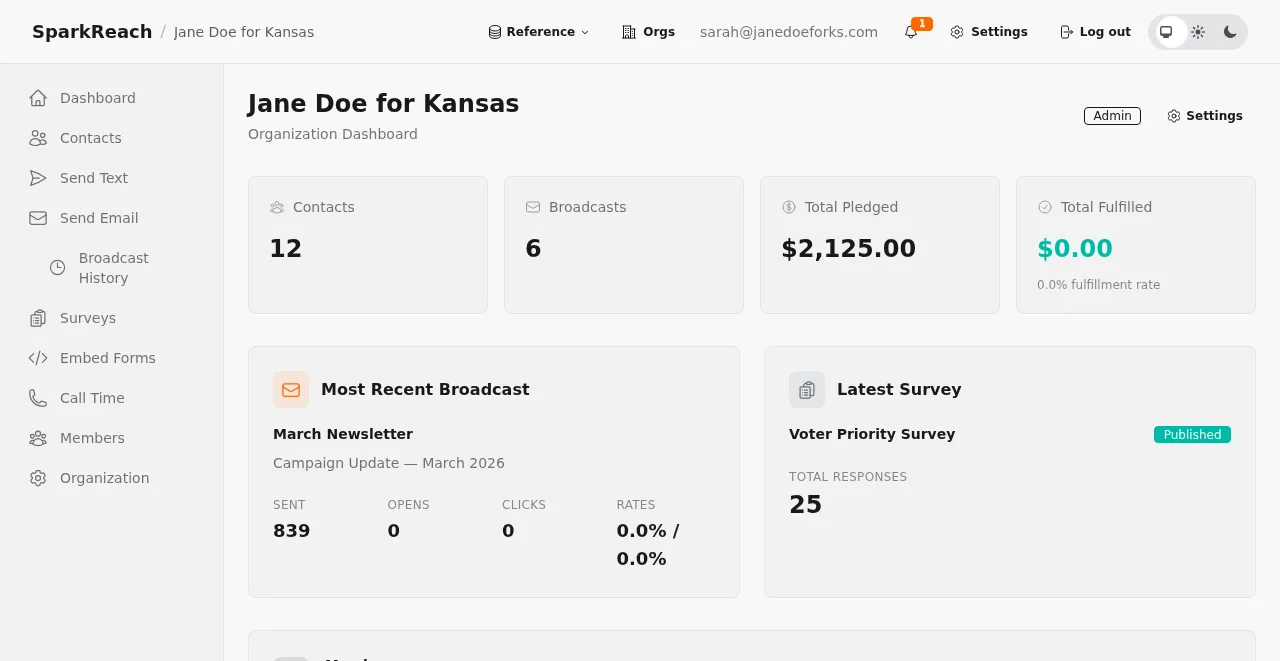
Welcome to SparkReach. This guide covers what the platform does and how to get your campaign up and running.
Everything in one place
SparkReach brings the tools a campaign relies on into a single platform:
- Donor and contact records
- Supporter communication over email and SMS
- Online donation forms and contribution processing
- Events, ticketing, and check-in
- Reporting and analytics
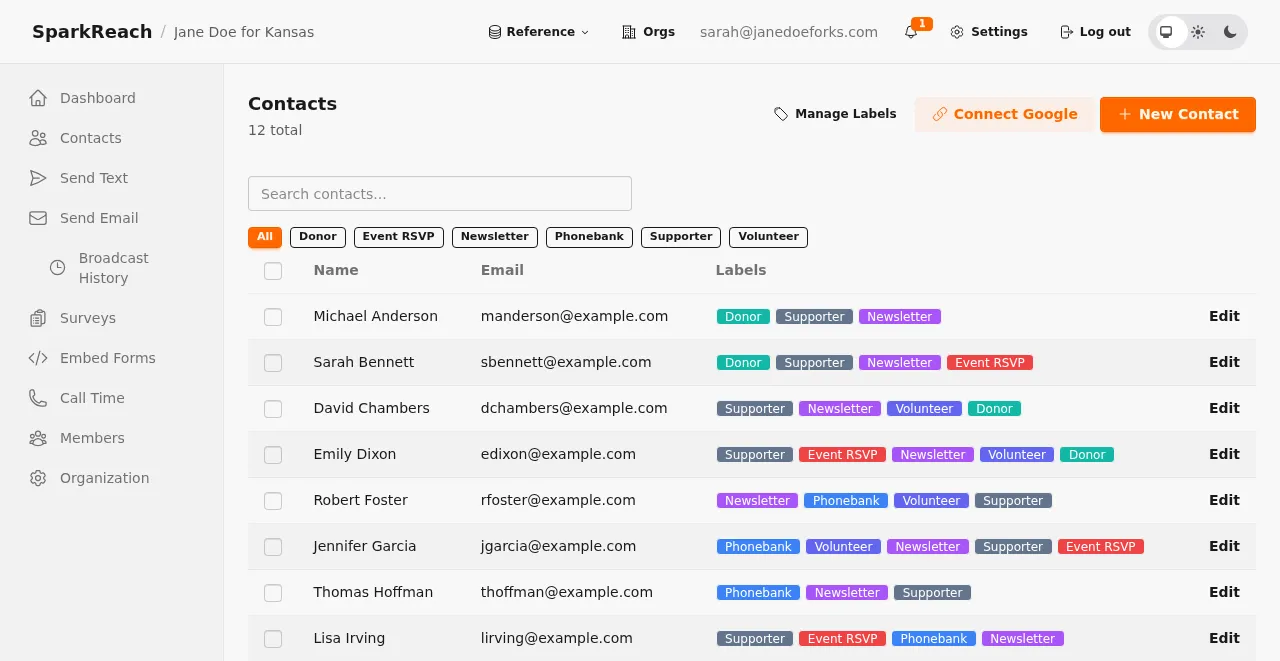
Contacts, giving history, and communication all live against the same record, so you are never reconciling three separate lists:
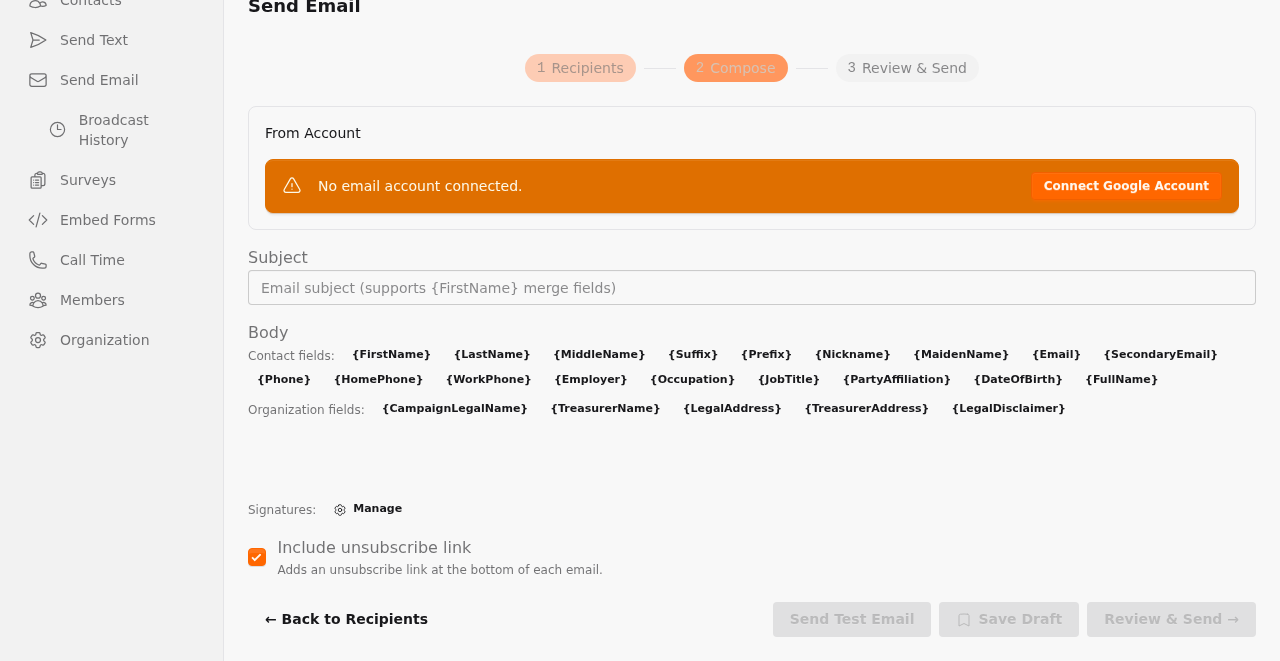
When it’s time to reach out, the email composer draws on those same records and segments:
Set up in minutes
- Create your account and workspace.
- Import your existing contacts.
- Connect payments so you can start accepting contributions.
- Invite your team.
Tip: Import your contacts before you invite your team. Everyone then arrives in a workspace that already has your data in it, rather than an empty one.
Where to go next
Once you’re set up, explore list segmentation, saved reports, and recurring contributions — the features that matter more as your supporter list grows.
Questions? Get in touch at sparkreach.app.